
Messages
Messages is a private chat between a tipster service and its subscribers. A subscriber can ask a question about a pick, request clarification or just say thanks, and the tipster can reply one-to-one or send a single announcement to everybody at once. Messaging requires an active subscription (free or paid): once you subscribe to a service you can write to it, and the tipster can write back.
For subscribers
Open Tipsters → Dashboard → Messages. On the left you see the list of your conversations, one per service, with the latest message preview and an unread badge. Click a conversation to open the thread on the right, read replies and write a new message in the composer at the bottom. Messages you have not read yet are marked, and the thread marks them read automatically as soon as you open it.
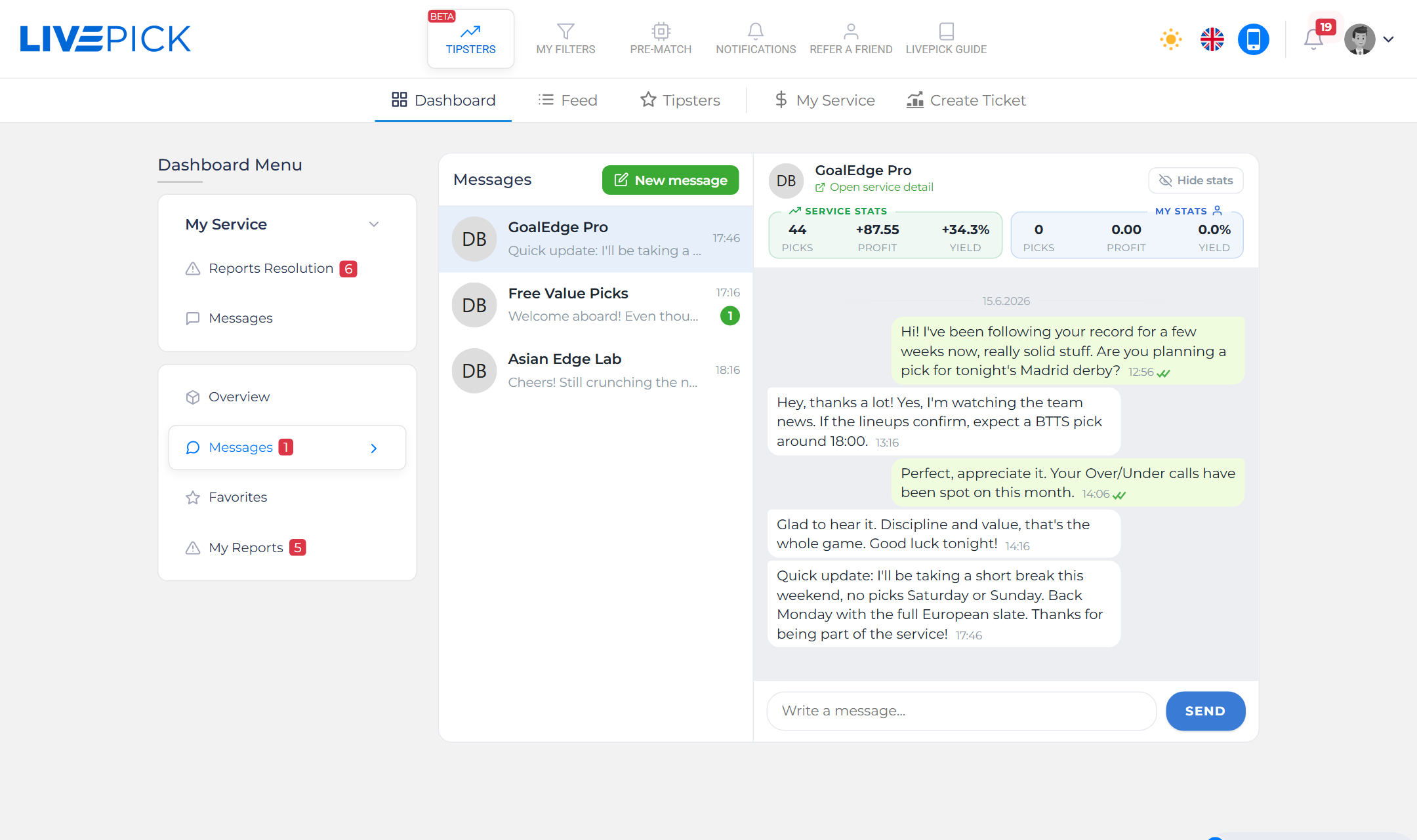
The header above the thread shows the service stats and your own stats with that service, plus a link to open the full tipster profile. To start a brand new conversation, click New message at the top of the list. A modal opens listing every service you are subscribed to - pick one and start typing.
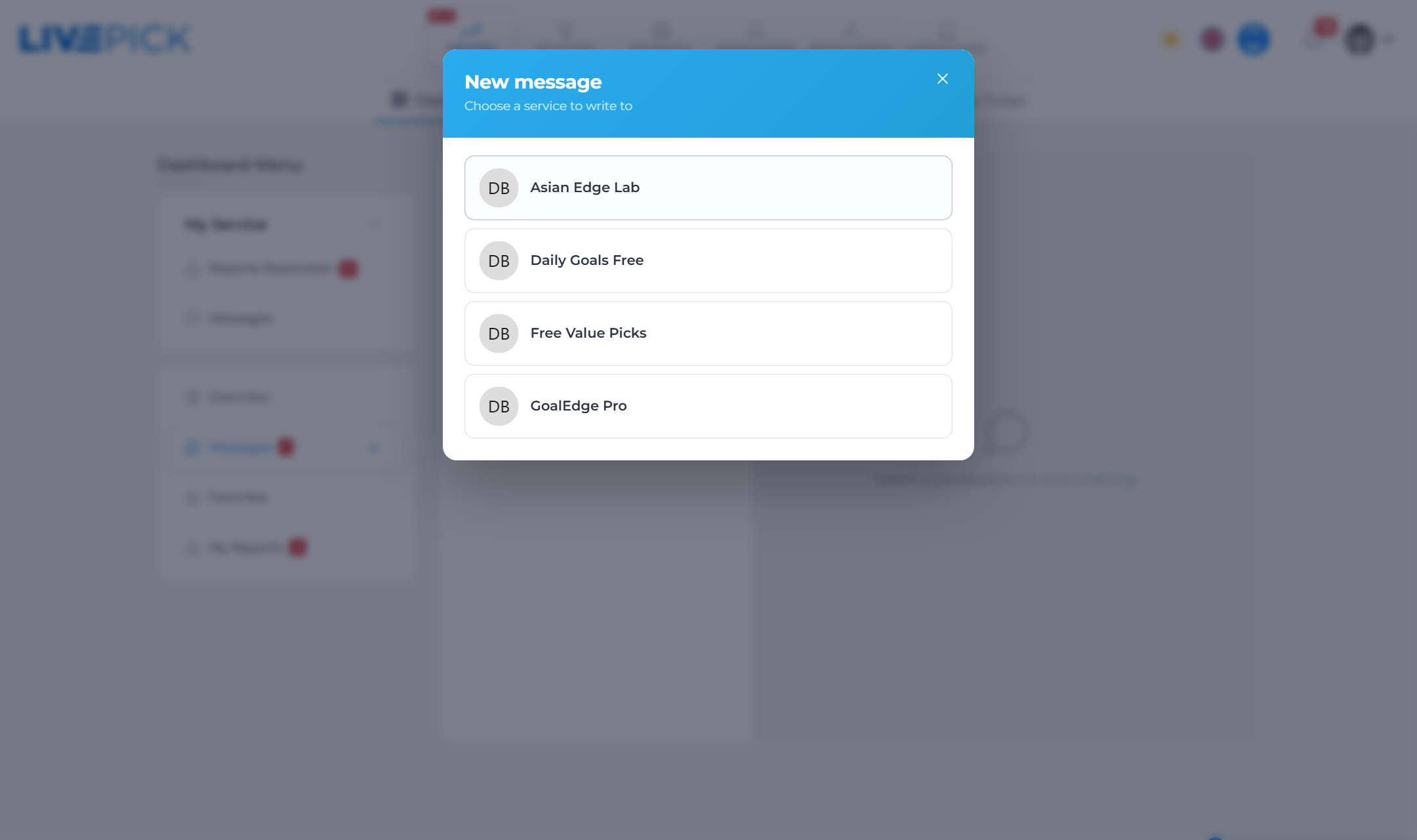
- You can only message services you are actively subscribed to. If a subscription expires, the conversation stays visible but the composer is locked until you subscribe again.
- Every message you send notifies the tipster (bell, and e-mail for the first unread message).
- Read receipts work like a chat app: a single tick means delivered, a double tick means the other side has read it.
For tipsters
As a service owner you have a second inbox: Tipsters → Dashboard → Service Messages. It works the same way but lists conversations by subscriber. Each contact shows the subscriber's name, their unread count and, in the thread header, how long they have been subscribed, when their subscription expires and their stats with your service. Reply in the composer just like a normal chat.
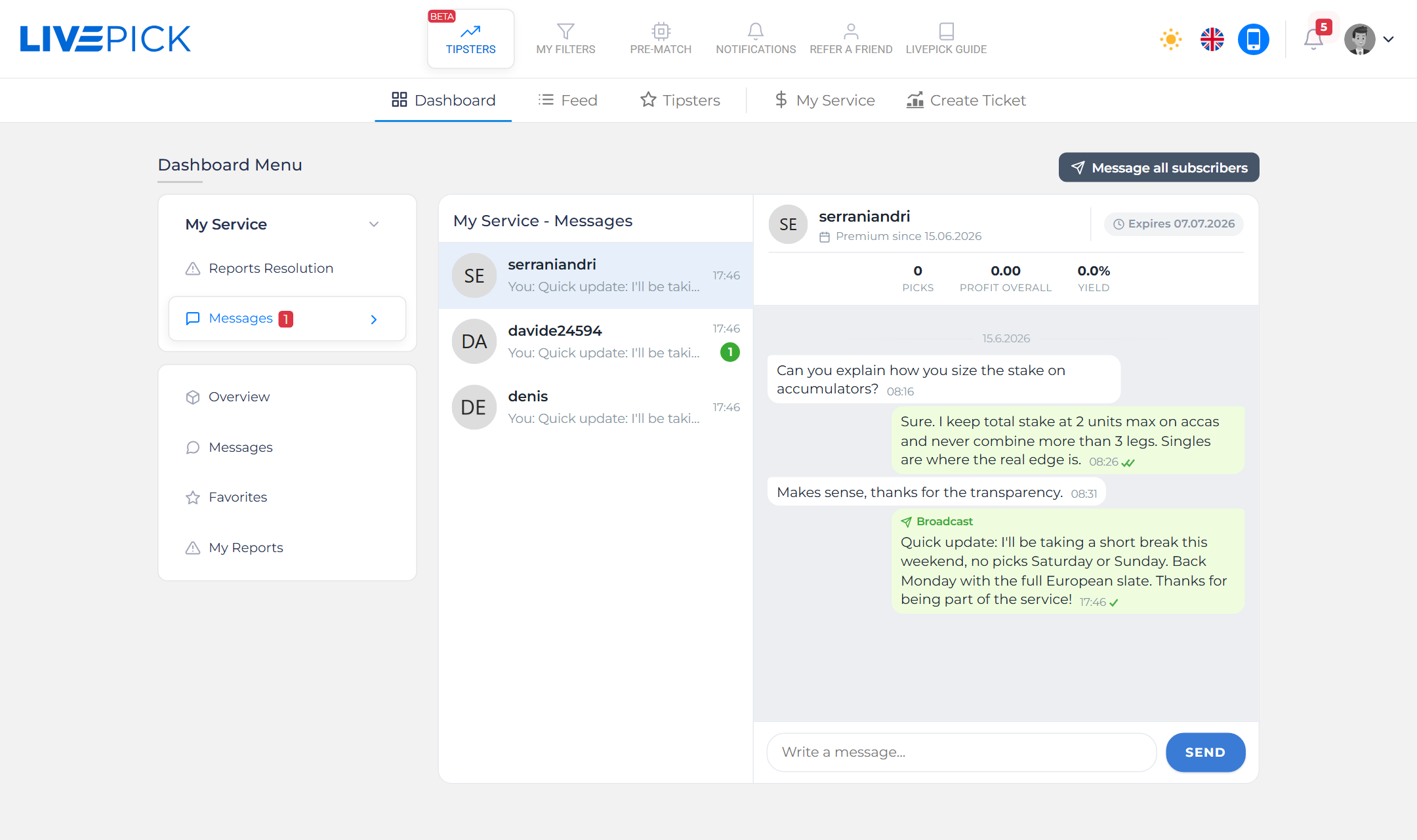
Broadcast: message all subscribers
Need to tell everyone something at once - a season break, a change of schedule, a big win? Click Message all subscribers in your Service Messages inbox. Type one message and it is delivered into every active subscriber's conversation at once, and also pushed through their notification channels (bell, e-mail, Telegram).
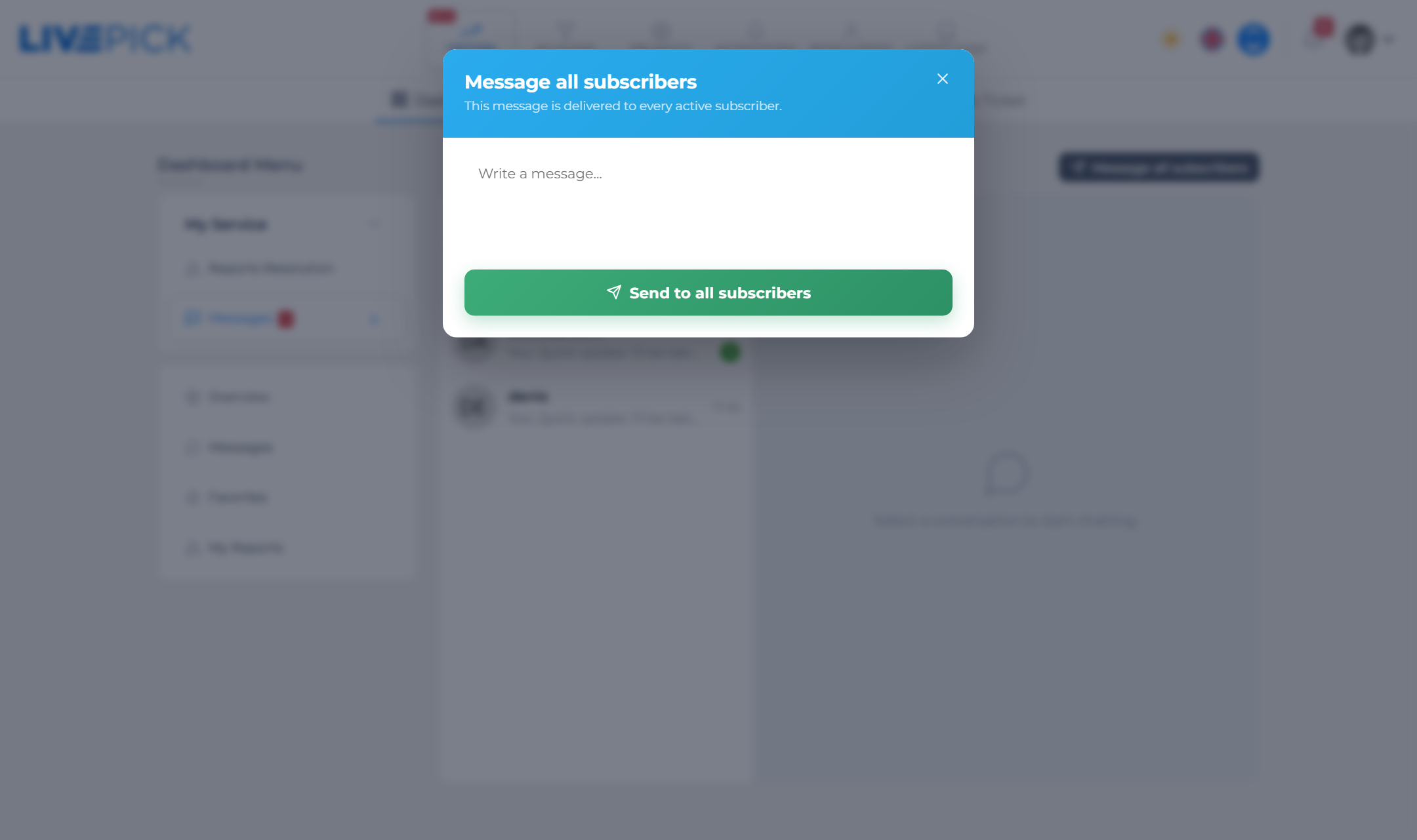
- A broadcast appears in each subscriber's thread marked as a broadcast, so they know it was not a personal message.
- Subscribers can reply to a broadcast, and the reply lands in your inbox as a normal one-to-one conversation.
- Use it sparingly: announcements, not spam. Notification fatigue costs you subscribers.
Good practice
- Reply promptly. A tipster who answers questions builds trust and keeps subscribers renewing.
- Keep it on topic. Messages are for the service, not general chat. Be clear and concise.
- Respect privacy. Never ask for or share login details, payment data or anything off-platform.